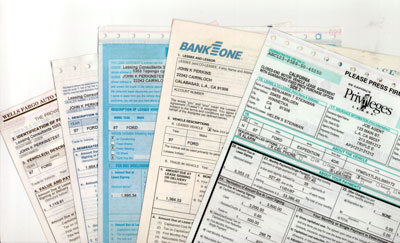
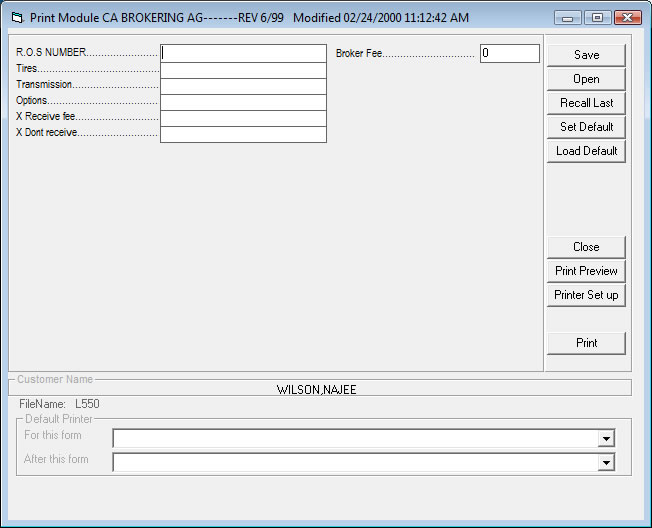
The Forms Shown above are to show how we fill in the blanks with perfect alignment
We do not provide the actual documents. contact you lender or document vendor for the
Original Document.
Setting up your printer:
Windows 2000/XP See the tutorial click here
In order to print the Long Forms for most Lease Agreements and Installment Sales Contracts
we need to change the settings on your printer as follows:
1-Double Click My Computer
2- Double Click the Printers Group
3- Right Click the Icon that represents your printer, choose properties, and select the Paper Tab.
4- You will probably find that the default selection is 8 1/2 by 11 inches, most impact printers
and a few late model bubble jets have a Custom setting, when selected this custom setting
will let you enter the with and length of the form in inches or hundredths of an inch measures.
For example the Epson LQ 570+ should say 850 Wide and 2800 Long.
The setting should exceed the length of the printable area in the document, you can use the
longer setting to print any form with the Lease Master.
Other programs may try to change the printer back to letter size, a solution is to install a
second driver for the printer and rename it by adding the word LONG to the description, you
would then have 2 printer to choose from when printing. To do this you need to choose
Add Printer in the printer group and select the same make and model you have already
the wizard will ask if you wish to keep the existing driver, say Yes. the program may install it with
same name followed by a number(2), you can then rename the (2) part with LONG.
With the Epson LQ570+, Set the left lever to the number 2 (paper thickness) This is the setting
we used to program the Form. The printer will Auto Load the paper in a deferent way if you use
another setting (even though the setting is supposed to modify paper thickness) the setting changes
the Top of form alignment.
The #2 setting should be able to work for any thickness and load all forms exactly the same way!
Ordering New Forms:
(The Forms we sell are the program to complete (fill in) the blank spaces,
We do not sell the original documet, contact your Lender or Document vendor
For the Original Documents)
We can program your forms if you fax them after printing our master form maker grid on them first.
There is no need to mail originals. |